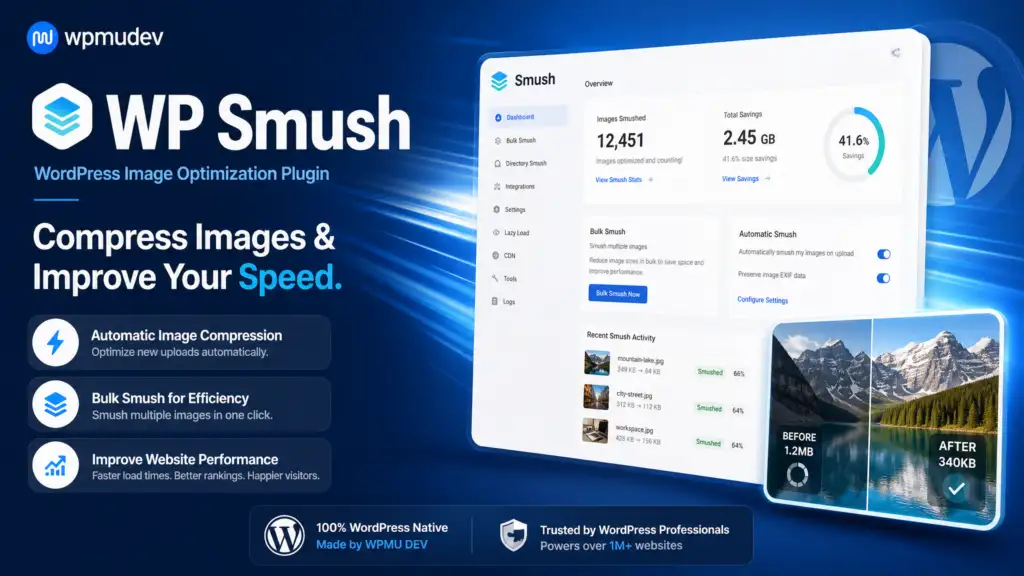
The WPMU DEV WP Smush WordPress Plugin optimizes images directly within your WordPress site, enhancing speed and efficiency. With support for various formats, it compresses images without quality loss, ensuring a better user experience. Once activated, WP Smush integrates seamlessly into your WordPress dashboard, appearing in the media library where you can manage your images. You can choose to optimize images individually or in bulk, making it easy to enhance your entire site at once. The plugin compresses images by reducing file sizes while maintaining their quality. It supports JPEG, GIF, and PNG formats and can convert images to WebP for even greater optimization. With customizable settings, you can define maximum image dimensions and automate the compression process for files uploaded to your site. Developed by WooCommerce and WordPress,
Download WPMU DEV WP Smush WordPress Plugin free with SrmehranClub membership. Exact files as listed on the official site. No license keys or author support. GPL pre-activated.
WPMU DEV WP Smush WordPress Plugin — Optimize Images Effortlessly
Efficient Image Optimization for WordPress
The WPMU DEV WP Smush WordPress Plugin is designed to optimize your images directly within WordPress, making your site faster and more efficient. Developed by woocommerce and WordPress, this plugin compresses images without losing quality, ensuring your website loads quickly and performs well.
Once activated, this plugin integrates seamlessly into your WordPress dashboard. It provides a straightforward interface for image compression, whether you choose to optimize images individually or in bulk. The plugin is a must-have tool for anyone looking to enhance site speed and user experience.
How WPMU DEV WP Smush Works
WPMU DEV WP Smush works by compressing images through the WordPress media library, reducing file sizes without compromising on quality. This plugin supports various image formats, including JPEG, GIF, and PNG, and can even convert images to WebP format for further optimization.
The plugin also offers a range of settings that allow you to customize the compression process. You can set a maximum image width and height, automatically smush images on upload, and manually smush images in bulk. The WP Smush CLI feature further enhances its functionality for advanced users.
Why Choose WPMU DEV WP Smush?
Instant download upon membership, ensuring you can start optimizing immediately.
Regular updates keep the plugin up-to-date with the latest features and improvements.
Compatible with a wide range of WordPress themes and plugins, making it versatile for any website.
Ideal for WordPress site owners, freelancers, and small agencies looking for a cost-effective way to optimize images.
Considerations Before Downloading
Before downloading, note that while the plugin is available at a substantial discount through Srmehranclub, it does not include a license key or official support from WPMU DEV. However, as a GPL-licensed plugin, you can use it on any number of sites you own.
Join our membership to access this plugin and over 50,000 other WordPress products. Explore our best-selling GPL themes and plugins for more options.
FAQ
Can I use WPMU DEV WP Smush on multiple sites?
Yes, as a GPL-licensed plugin, you can use it on any number of sites you own.
Does the plugin support WebP conversion?
Yes, WPMU DEV WP Smush supports conversion to WebP format for even greater image optimization.
Changelog
From changelog.txt in the download
Version 4.3.3Latest2 improved1 fixed
Improved
Implement Auto-save UI/UX
Make email notification enabled by default
Fixed
Bulk Smush is not running with PHP 7.4
Show 5 earlier versionsVersion 4.3.26 improved5 fixed
Improved
Accessibility option in Smush
Improved transparent PNG detection accuracy
Improved savings calculation in the optimization complete modal
Updated Preload card description copy
Security improvements
Removed unused scripts
Fixed
Image sets without a URL not being lazy loaded
Image sets without a URL not served correctly through the CDN
Network activation status not updating without a page reload or button press
Async processing mistakenly turned off on some sites
Network-scoped option writable by a subsite administrator (reported by Jakub Herman)
Version 4.3.11 fixed
Fixed
Wizard not showing the correct image count
Version 4.3.03 new7 improved10 fixed
New
CDN 2.0 with multiple performance improvements and bug fixes
CDN domain migrated from smushcdn.com to assetcdn.net
Failed images list now displayed on the Directory Smush page
Improved
Implemented missing notices throughout the Smush interface
Added notice for API update status
Added Elementor Image Optimizer to the conflict notice
"Download all" and "Delete all" options now only shown when multiple Configs are selected
Security improvements
Minor UI/UX improvements
Optimization toast now shown on all pages after optimization completes
Fixed
Image size not updated after editing an image in the media library
Individual Ignore button not working for skipped images in Bulk Smush
Image optimization not applied to large PNG images above 2560px with Super or Ultra Smush settings
Prevented saving corrupted images to avoid broken image issues
Images with URL parameters not served correctly when URL is changed
Images now correctly convert to AVIF when re-enabling WebP after a downgrade and upgrade
Activity Log now records all post types when "All Post Types" toggle is used
Background overlay for RTL deactivation survey
+2 more
Layout shift when closing popup
Lazy load auto-resizing for new CDN base URL format
Version 4.2.01 new9 improved5 fixed
New
Full RTL language support across all Smush pages, modals, and UI components
Improved
Improved bulk smush process reliability using atomic operations instead of MySQL locks
Bulk smush health checks now run via Ajax for faster stall detection
Visual feedback shown when the optimization process has stalled
Updated Lazy Load exclusions UI/UX
Missing feature notices implemented throughout the plugin
Tooltips now displayed even when a feature is disabled
Rescan only required when setting changes create new savings opportunities
Translation improvements and fixes
+1 more
Removed unused code
Fixed
Lazy load iframe causing issues with the browser back button
Smush failing to detect existing Hub connection when WPMU DEV Dashboard plugin is installed first
Site title missing in Bulk Smush completed email notifications
Progress bar infinite loop
Scan stuck at 0% and bulk smush freezing issues
Version 4.1.21 improved
Improved
UX improvements
Showing the latest 6 of 74 versions.
Specification
Overview
Customer Reviews
Reviews
There are no reviews yet.
Be the first to review “WPMU DEV WP Smush WordPress Plugin 4.3.5” Cancel reply




 Overview













Reviews
There are no reviews yet.